



Collection art and metadata
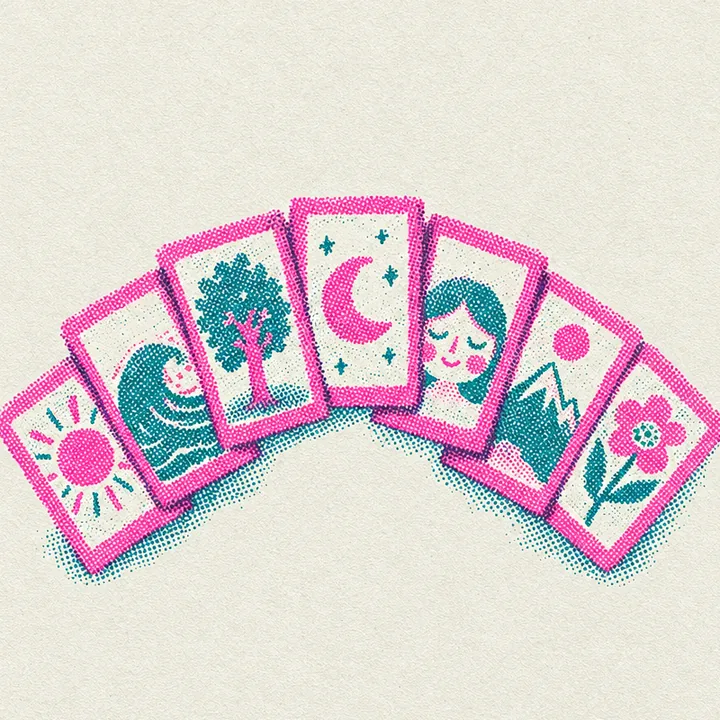
A launchpad collection is made of the images you drop into the form and, if you want, a JSON file with names and traits. One image makes an edition. Several images make one of ones.
Edition or one of ones

| Edition | One of ones | |
|---|---|---|
| Images | 1 | 2 to 10,000 |
| Supply | You choose, 1 to 10,000 | Equal to the number of images |
| Names | Collection name and number: Paper Cranes #1, #2 and so on | From your JSON, or collection name and number |
| Traits | The same for every copy | Per image, from your JSON |
Images
- PNG, JPG, WEBP or GIF, up to 5 MB each.
- They are numbered in the order you add them: the first image is #1. Drop them in the order you want them minted.
- Minting goes in number order: the first minter gets #1, the next #2.
- The coin logo you upload is also the picture of the collection itself.
The JSON file
Names and traits are optional. Click Add names and traits (JSON) under the art and pick a file in one of two shapes. Entries are matched to images by file name, with or without the extension, so "1.png" and "1" both find 1.png.
Shape one: keyed by file name
{
"1.png": {
"name": "Paper Crane #1",
"attributes": [
{ "trait_type": "Paper", "value": "Pink" },
{ "trait_type": "Wings", "value": "Open" }
]
},
"2.png": {
"name": "Paper Crane #2",
"attributes": [
{ "trait_type": "Paper", "value": "Teal" },
{ "trait_type": "Wings", "value": "Folded" }
]
}
}Shape two: a list
[
{
"file": "1.png",
"name": "Paper Crane #1",
"attributes": [{ "trait_type": "Paper", "value": "Pink" }]
},
{
"file": "2.png",
"name": "Paper Crane #2",
"attributes": [{ "trait_type": "Paper", "value": "Teal" }]
}
]| Field | Rules |
|---|---|
| file | Only in the list shape. The file name of the image. |
| name | Up to 32 characters. Left out, the NFT is named after the collection with its number. |
| attributes | A list of up to 30 traits. |
| trait_type | Up to 40 characters. |
| value | Up to 60 characters. Numbers are kept as text. |
{
"crane.png": {
"attributes": [
{ "trait_type": "Edition", "value": "First print" }
]
}
}What ends up on chain
Each NFT is a Metaplex Core asset in your collection. Its name and a link to its metadata are written on chain; the metadata itself is a JSON document served by mints in the standard Metaplex format, so wallets and explorers can read it.
{
"name": "Paper Crane #2",
"symbol": "CRANE",
"description": "Folded by hand, one a day.",
"image": "https://mints.family/f/launch/.../items/2.png",
"external_url": "https://mints.family/c/solana/paper-cranes",
"attributes": [
{ "trait_type": "Paper", "value": "Teal" },
{ "trait_type": "Wings", "value": "Folded" }
],
"properties": {
"files": [{ "uri": "https://mints.family/f/launch/.../items/2.png", "type": "image/png" }],
"category": "image"
}
}The collection has the same kind of document with its name, ticker, description and the coin logo as its picture. The royalty you set is a plugin on the collection itself, paid to your wallet. On mints listings it is paid on every sale, see Buying.